Guide to flash xposed framework on Lenovo k3 note
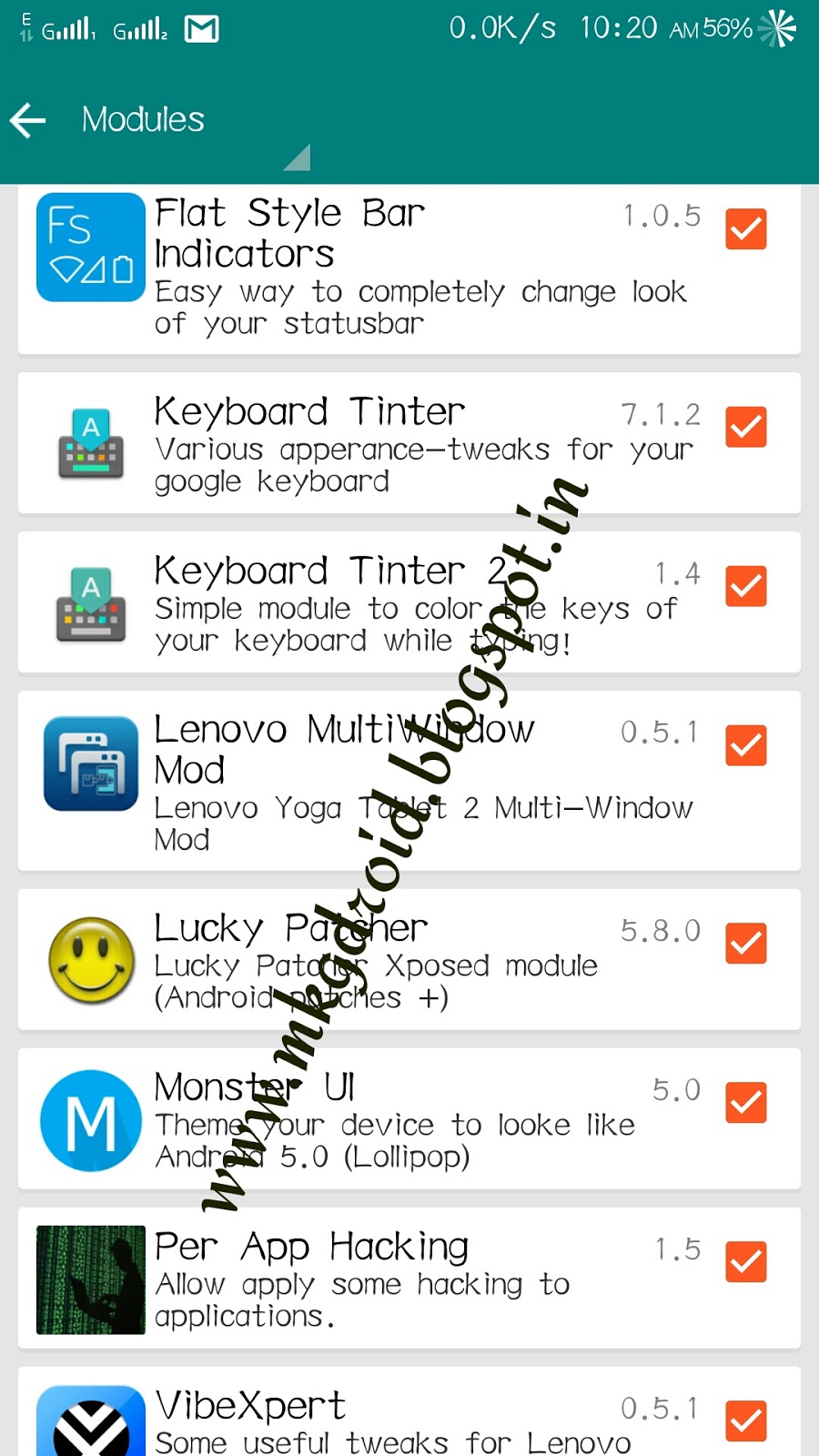
Q! What is xposed installer???
Xposed Installer
This is the installer for the Xposed framework, which is a requirement for all modules.
Xposed is a framework for modules that can change the behavior of the system and apps without touching any APKs. That's great because it means that modules can work for different versions and even ROMs without any changes (as long as the original code was not changed too much). It's also easy to undo. As all changes are done in the memory, you just need to deactivate the module and reboot to get your original system back. There are many other advantages, but here is just one more: Multiple modules can do changes to the same part of the system or app. With modified APKs, you to decide for one. No way to combine them, unless the author builds multiple APKs with different combinations.
Officially xposed don't support 64bit devices
Lenovo k3 note comes with 64 bit architecture for me it's very hard to get xposed on my killer note (k50a40)
But after working hard i got xposed on my killer note
So I'm sharing a guide to get xposed to your k3
Step.1
Flash twrp
Step.2
Download theses files
For Android
Step.3
Goto twrp
By perssing vol- vol+ power button at same time
Install zip file you downloaded from above link
After installation reboot your system
If your fone stuck at boot don't panic
Just remove your battery after 10 minutes
When k3 boots normally
Install the apk you downloaded
Done
Now enjoy
Xposed on your killernote
my phone stuck at boot also i try removing battery it stuck what can i do???
ReplyDeleteFactory reset
ReplyDeleteFactory reset
ReplyDeletefuck man...its stuck...what do i do??
ReplyDeletePatch boot.img via twrp
DeleteDownload it from Google
Patch boot.img via twrp
DeleteDownload it from Google
Doesn't work... even after removing battery
ReplyDeleteworks fine thanks bro
ReplyDelete