This is full guide to enable multi window
On any android device or roms running on the Android version 6.0 or newer version
Android still doesn’t offer proper multi-window multitasking, but you can get it with my tricks
I've tested it on my lenovo k3 note
It's working fine on my device
So let's start here
It's very easy to enable multiwindow features in your Android device
Note:- it requires root
You must install es file manager
Click here to download
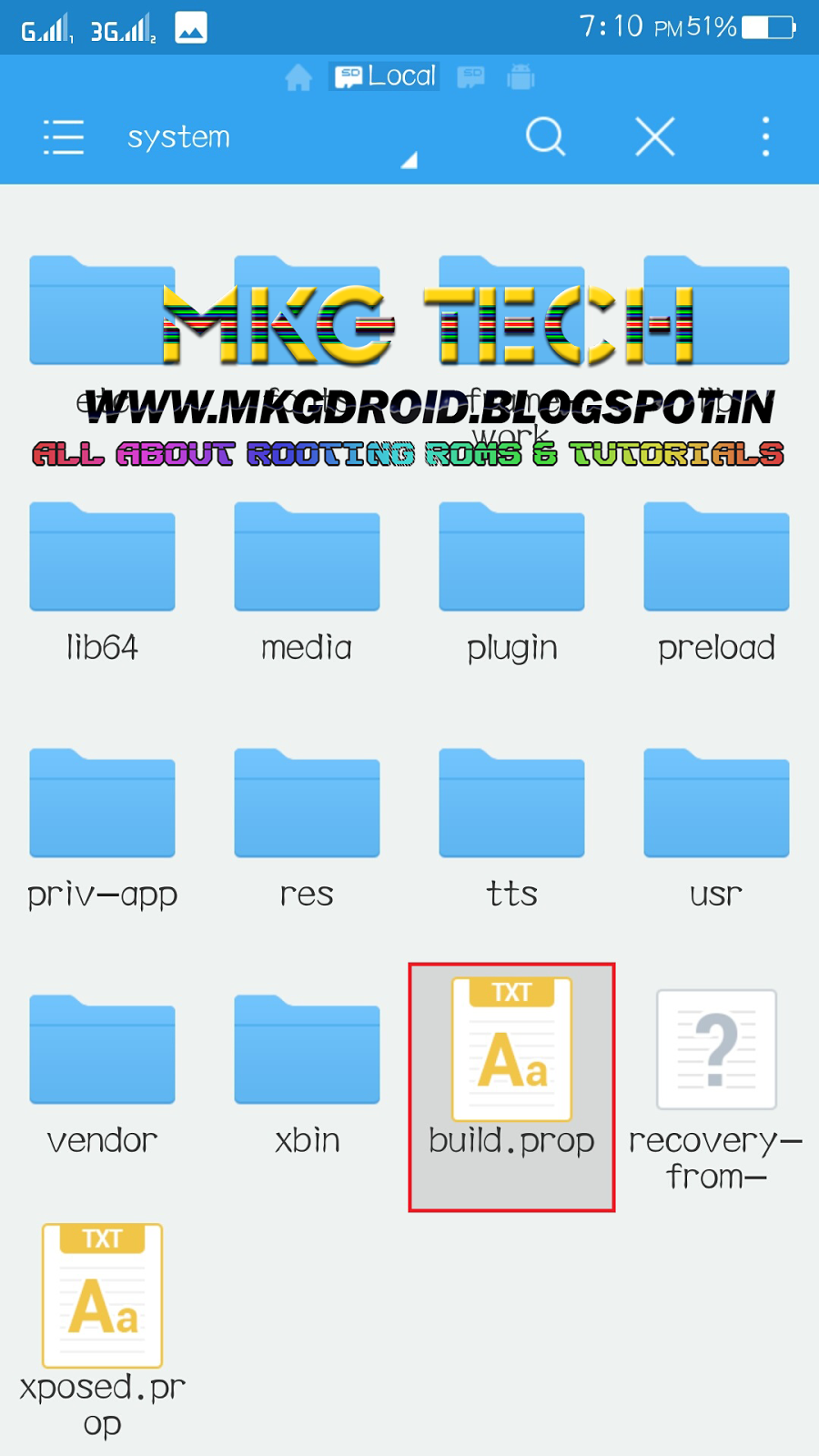
Now follow all screenshots and enjoy multiple windo on your device




On any android device or roms running on the Android version 6.0 or newer version
Android still doesn’t offer proper multi-window multitasking, but you can get it with my tricks
I've tested it on my lenovo k3 note
It's working fine on my device
So let's start here
It's very easy to enable multiwindow features in your Android device
Note:- it requires root
You must install es file manager
Click here to download
Now follow all screenshots and enjoy multiple windo on your device
you highlighted user and userdebug in build.prop, what u want us to do delete that file?or what? please make your tutorial clear and straightforward?
ReplyDeleteMulti-window option available? When root your device
DeleteI Can't able to click on task layout.. how can i do????
ReplyDeleteSame problem, I can't able to click on multi window option in task bar because of lock icon exactly behind on that multi window icon....kindly reply asap for solution of this problem....
ReplyDeleteKindly give ans asap....
ReplyDeleteI can't able to click on multi window option in task bar because of lock icon exactly behind on that multi window icon..
ReplyDeleteI am unable to select multi window icon in recent tasks as lock icon is overlapping on it. Plzzzzz help
ReplyDeletethe lock apps icon gets in between and cant open multi window
ReplyDeleteexactly the lock gets in the way
ReplyDeleteneed to remove or shift it
but how tpop remove or shift it
ReplyDelete